Google Business Profile for Barber Shops: Photos
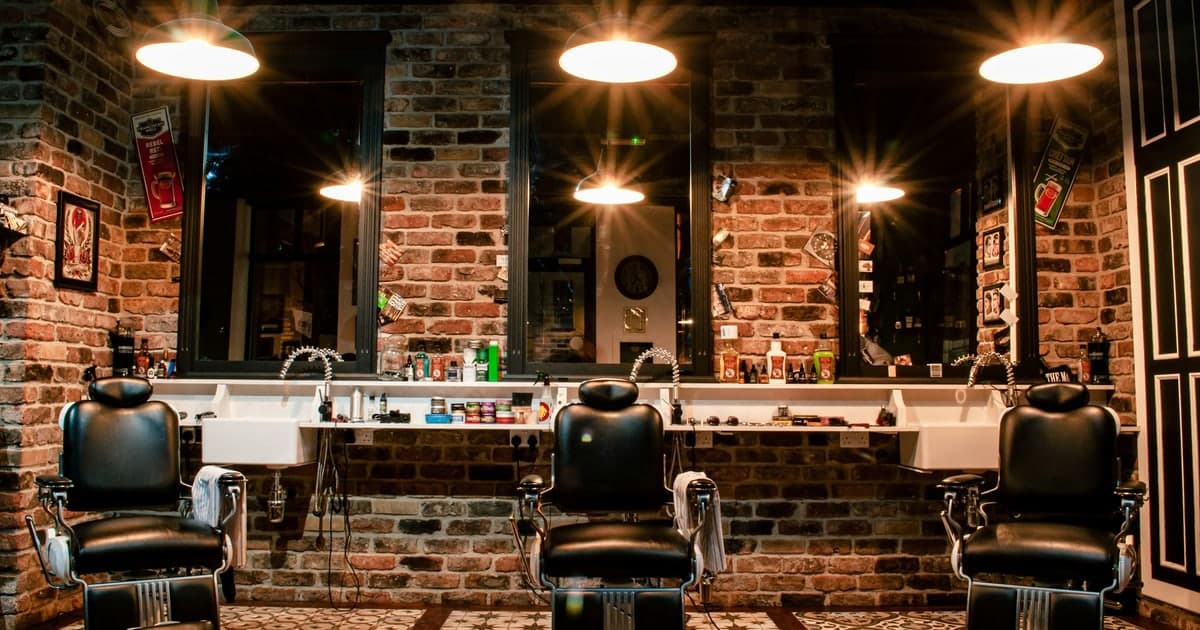
A Google Business Profile for barber shops is won on one category of photograph: pictures of actual haircuts you did, on actual clients, in your chair. Everything else on the profile is identical to the shop three streets away: the hours, the address, the booking link. The cuts are the only part that is yours, and they are the part most shops never photograph deliberately.
This is a photo workflow for a trade whose work is finished, visible and photographable in thirty minutes. It assumes your profile is already claimed and verified.
Your work is the advertisement
Most local search advice hands a barber the same list it hands a solicitor: citations, consistent phone numbers, schema markup, page speed. None of that is wrong, and none of it is about barbering.
The difference is that your product is visual, repeated forty times a week, and complete before the client stands up. A solicitor cannot photograph a finished case. You can photograph a finished fade, and a person choosing between two shops is choosing between two sets of photographs.
Google's file rules are short: JPG or PNG, 10 KB to 5 MB, at least 250 pixels square, 720 by 720 recommended, "in focus and well lit, and have no significant alterations or excessive use of filters", per the Business Profile photo requirements. A phone photo under the shop lights clears every one of those.
Before a batch goes up, it is worth knowing what is inside the files. You can confirm what a photo is carrying: its dimensions, its date, and whether the phone quietly recorded a location. That last one matters if the photo was taken somewhere other than the shop, such as a home visit or a wedding job.
Google Business Profile for barber shops: the photos that do the work
Google names the categories it wants and gives each a minimum. One of them is written for trades like yours, and it is the one most shops have never filled: photos at work, which Google defines as "at least three photos that are representative of the services you offer", per its business-specific photo guidance.
| Category | Google's minimum | What it settles |
|---|---|---|
| Photos at work | At least three | Whether you can actually do the cut they want. This is the category that books appointments. |
| Interior | At least three | Whether it is a traditional shop or a modern one, which decides who walks in. |
| Exterior | At least three | Whether they can find the door, and what it looks like in the evening. |
| Team | At least three | Which barber they want. Regulars book a person, not a shop. |
| Common areas | At least one of each | The waiting area: how long a queue feels before they commit. |
Cover "photos at work" first. Three good cuts beat thirty photos of the shopfront, and it is the only category where a competitor cannot copy you.
Before and after, without the guesswork
Before-and-after pairs are the most persuasive thing a barber can publish and the easiest to get wrong. Two rules fix most of it: same chair, same light, same angle, so the cut is the only thing that changed; and shoot the "before" every time, because you cannot go back for it.
The practical problem arrives later. By the time you have two hundred photos in a camera roll, telling which shot came before which becomes a memory test you will lose, especially when it is the same client photographed six weeks apart.
The file solves that for you. Every photo records when it was taken, and if location was switched on, where. You can read the date and location out of a photo and pair them up correctly a month later, without relying on the order they happen to sit in on your phone.
Who owns the photo of the haircut
A barber's photographs travel further than almost any other small business's. The client posts them. The pomade brand reposts them. A shop two towns over quietly puts them in its own gallery.
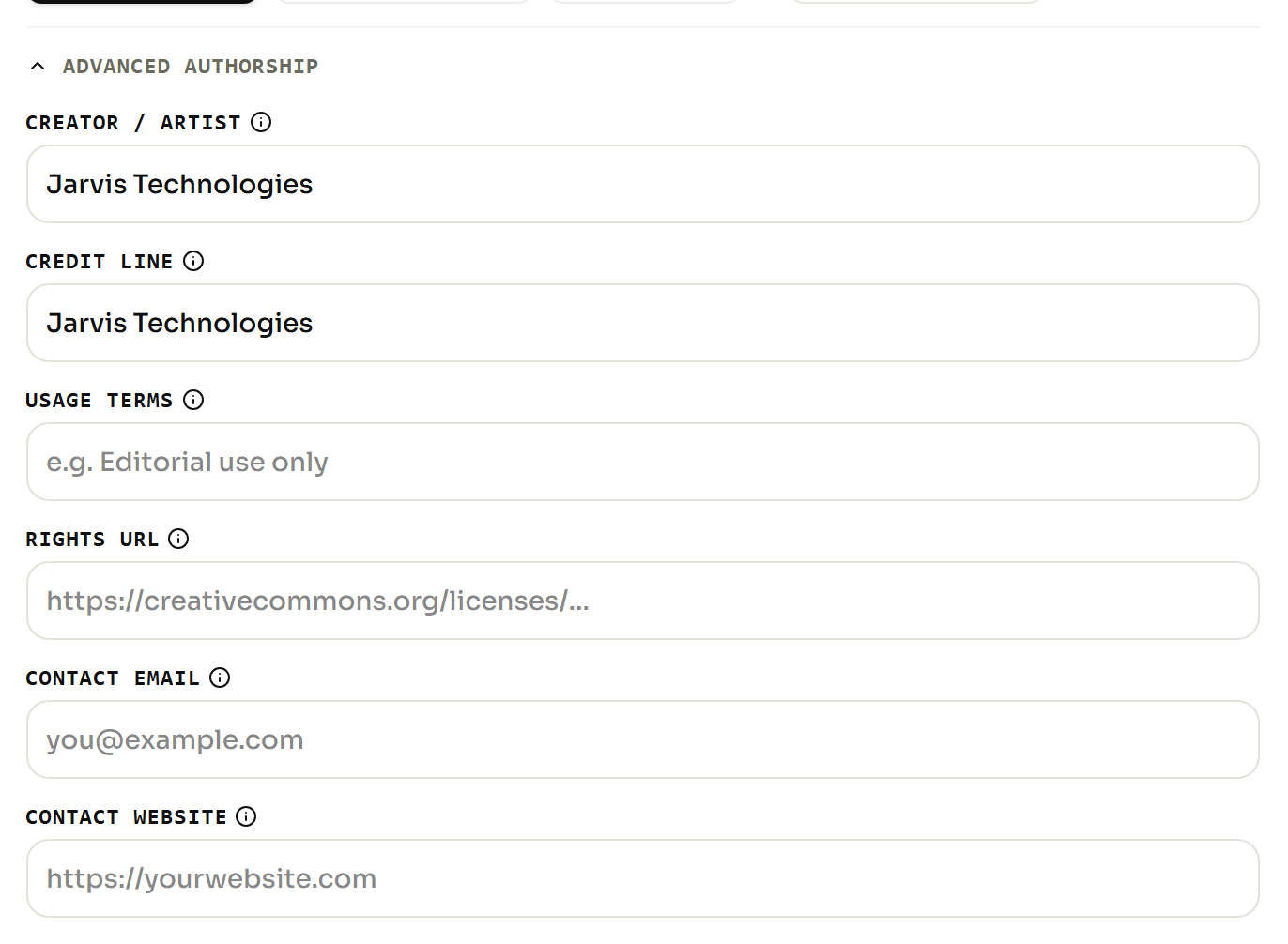
Every photo carries fields for creator, credit and copyright that move with the file wherever it goes. Filling them in does not stop anyone lifting an image, but it is the difference between an assertion and a record when you ask for it to come down.
There is a second reason to fill them in, and it comes from Google rather than from anyone's opinion. Asked how important EXIF data is, Gary Illyes of Google Search said in a published Search Office Hours session: "Google doesn't use EXIF data for anything at the moment. The only image data, or metadata, that we currently use is IPTC." Creator, credit and copyright are the IPTC half: the half Google says it reads.
So when a cut is going into your permanent portfolio rather than a story that disappears, set the credit and location on the file before it leaves your phone. It takes longer to describe than to do.
One thing that is not optional: ask the client before you photograph them, and again before you publish. A signed-off photo is worth more than a better photo you have to take down.
Does geotagging your photos get you into the map pack?
No. The claim is that coordinates written into a photo tell Google where you work and lift your position in the local results, and it has been tested three times.
Two tests found nothing at all. The largest ran 27 businesses for ten weeks, with five control weeks where the location was deliberately stripped out of every image, and found that one measure out of seven improved while four got worse. The agency that ran it stopped geotagging client images afterwards.
What that means for a Tuesday morning: do not spend it tagging photos hoping to climb the map. Spend it filling the "photos at work" category, which Google has actually asked for. The evidence is laid out in what the evidence says about ranking photos, and the mechanics in how coordinates get written into a photo.
A routine that fits between clients
- Pick one chair with good light and always shoot there.
- Ask permission before the cut, not after.
- Take the "before" while the cape goes on.
- Take the "after" from the same spot, same angle.
- Upload three to five a week, not forty in one go.
- Set credit and location on anything entering the portfolio.
Five cuts a week is 250 photographs a year of work nobody else can claim. That compounds in a way no tactic does, and the shops that win the map pack in your town are usually the ones that simply kept doing it. A neighbouring trade with the same problem is covered in the photo routine for restaurants.