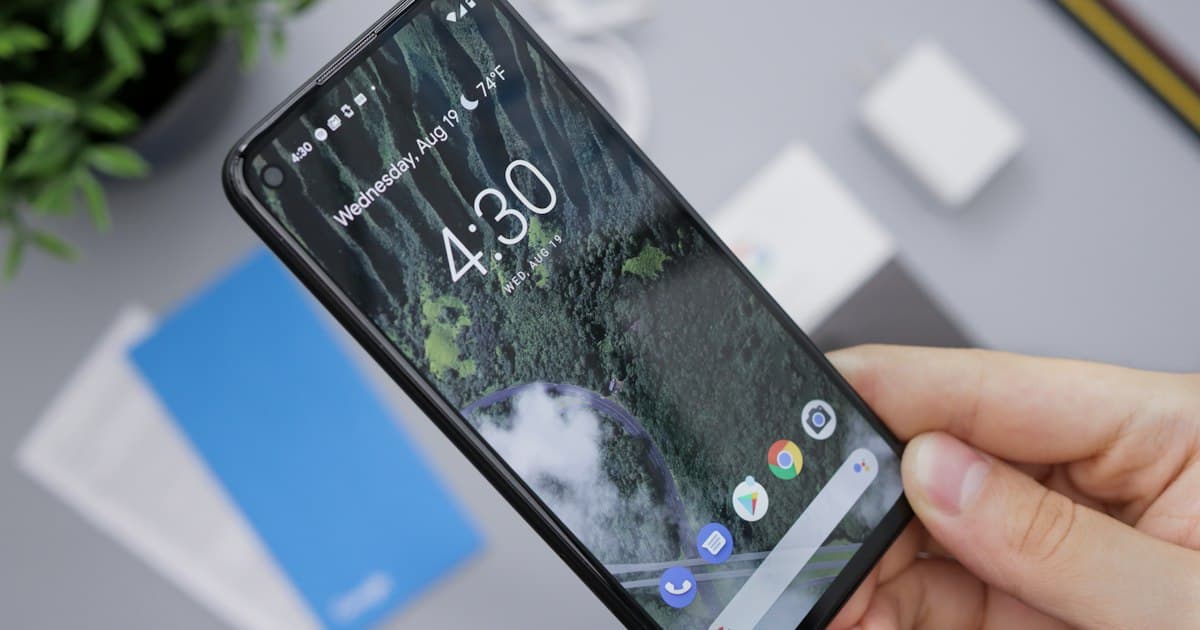
How to Geotag Photos on Android, Whatever the Brand
Samsung calls it Location tags, Pixel calls it Save location, OnePlus calls it Store location data. Here is the setting on each, and what to do about photos that already missed it.

16 articles
Devfinix is a full-service digital agency: custom web and mobile development, Shopify and WordPress builds, technical SEO and paid social. The articles here come out of that SEO practice, from the audits and the metadata work to the local-search problems that turn up on real client sites.
Page 1 of 2
Samsung calls it Location tags, Pixel calls it Save location, OnePlus calls it Store location data. Here is the setting on each, and what to do about photos that already missed it.

A photo can carry three separate metadata standards at once. Here is what each one is for, who reads it back, and why the descriptive fields you filled in may be in the block Google ignores.

A photo sent the ordinary way arrives without its coordinates. The identical file sent as a document arrives with them intact. Here is the evidence for each, and the popular claims that cannot be sourced at all.

Geotagging is the act of storing a location inside a photo file itself. Here is exactly which EXIF tags hold it, and what happens to them when you upload.

Geotagging a photo means writing a latitude and longitude into the file itself. Here are the four steps, what the photo actually stores, and the one missing field that sends a correct coordinate to the wrong hemisphere.

Several controls that look identical do completely different things, and one of them refuses to touch a camera-written location at all. Here is how to clear the location and confirm it is gone.
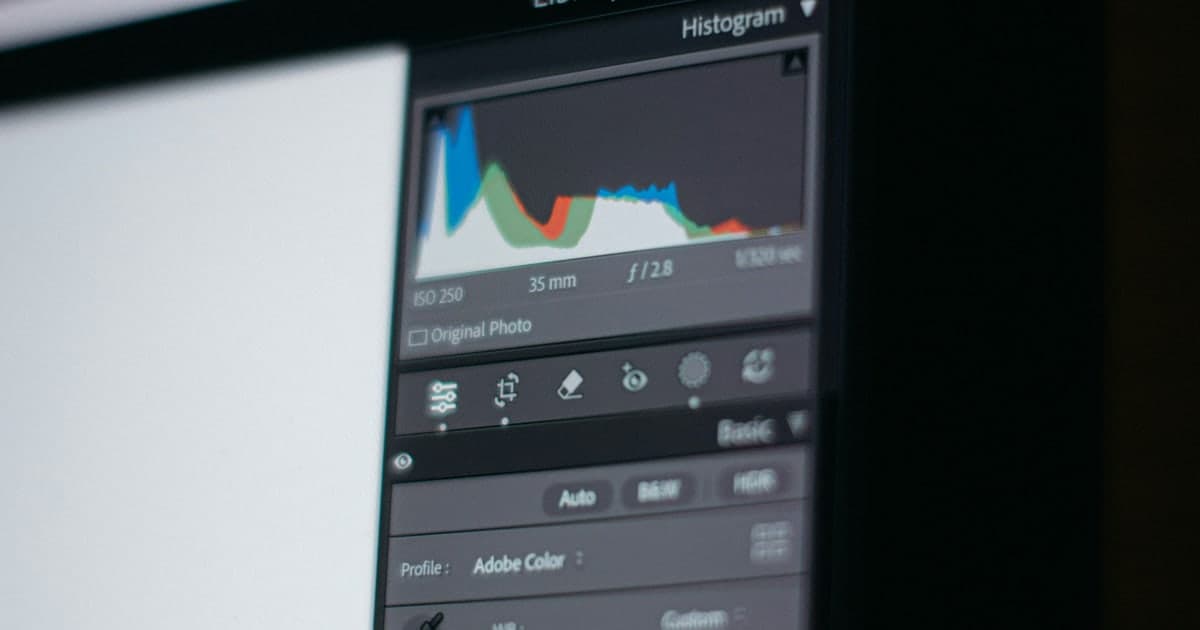
A photo carries three blocks of metadata and most of two of them are yours to change. Here is the working subset: each tag, what it holds, why you would touch it, and what reads it.

WordPress does not strip the location out of the photo you upload, but the copy your visitors download may have lost it. Which happens comes down to one setting.

Windows will show a photo's location but will not let you add one, and the Mac Photos app can accept a location that never reaches the exported file. Here is what each actually does, and the browser route that avoids both.

The coordinates are already inside the file. Here is how to read them out, why the number arrives without its minus sign, and which tags tell you whether the location is a measurement or a guess.

Google's photo uploader has no location field, so a geotag has to go into the file before it leaves your computer. Here is how to put it there, and what three published tests say it will and will not do.
Dragging a geotagged photo onto Google Earth does nothing, because it never reads the file's GPS block. Here is what it does read, and how to give it that.