SEO for Wedding Planners: Your Venue Photo Library
The most valuable asset in SEO for wedding planners is one you already own and have almost certainly never indexed: a hard drive holding several thousand photographs of venues, shot across dozens of towns over several seasons. Every one of those files can carry the name of the room, the venue, the town and the county it was taken in, plus the coordinates of the front door, stored inside the image rather than in a spreadsheet somebody stopped updating in March.
That matters more in this trade than in almost any other, because your marketing surface is entirely pictures. What follows is which fields hold that information, how to fill them for a venue library, who owns the photographs, and what none of it will do for your rankings.
Your portfolio is a location database with no index
A planner's photo library has a shape that a plumber's does not. You work at many venues, repeatedly, over years, and a couple searching for you is searching for a place: a barn in a particular valley, an orangery at a particular hall, a registry office in a particular town.
The library already knows all of that. What it lacks is any way to ask. Folder names carry the information until someone renames a folder; a spreadsheet carries it until someone forgets a row. Both live outside the files, so both eventually disagree with the photographs they describe.
The alternative is to put the answer inside the file, where it travels with the image into every catalogue, backup and hand-off. You can open one venue shot and see what it already kept before changing anything. Most photos from a phone arrive with the coordinates filled in and every descriptive field blank.
The four location fields a venue photo can carry
Photographs have carried a standard set of descriptive fields since long before Google existed; they are what picture desks and agencies have always used to file images. Four of them describe place, and they nest from smallest to largest.
| Field name | What goes in it | What it gives you |
|---|---|---|
Sub-location |
The specific spot: the walled garden, the long gallery, the west lawn | The level couples actually ask about. Two ceremonies at the same hall in different rooms stop being the same search result |
City |
The town the venue sits in | Lets you pull every image you hold for one town in one query, which is the shape of most enquiries you get |
Province-State |
The county, state or region | Groups the towns you travel to into the territory you actually sell, which is rarely one city |
Country-PrimaryLocationName |
The country | Only earns its place once you take a destination booking, and then it earns it immediately |
One practical catch worth knowing before you start typing: the first three of those fields each stop at 32 characters, per the published field reference. "The Orangery at Ashridge House" fits with two characters to spare. Plenty of real venue rooms do not. Decide on a short form for each venue once, write it the same way every time, and the library stays searchable; improvise per shoot and you get four spellings of the same barn.
Alongside those sit Headline and Caption-Abstract, which are simply a short title and a longer description, and Keywords, which takes a repeatable list: the natural home for "barn", "outdoor ceremony", "winter", "marquee".
A real venue coordinate, written out
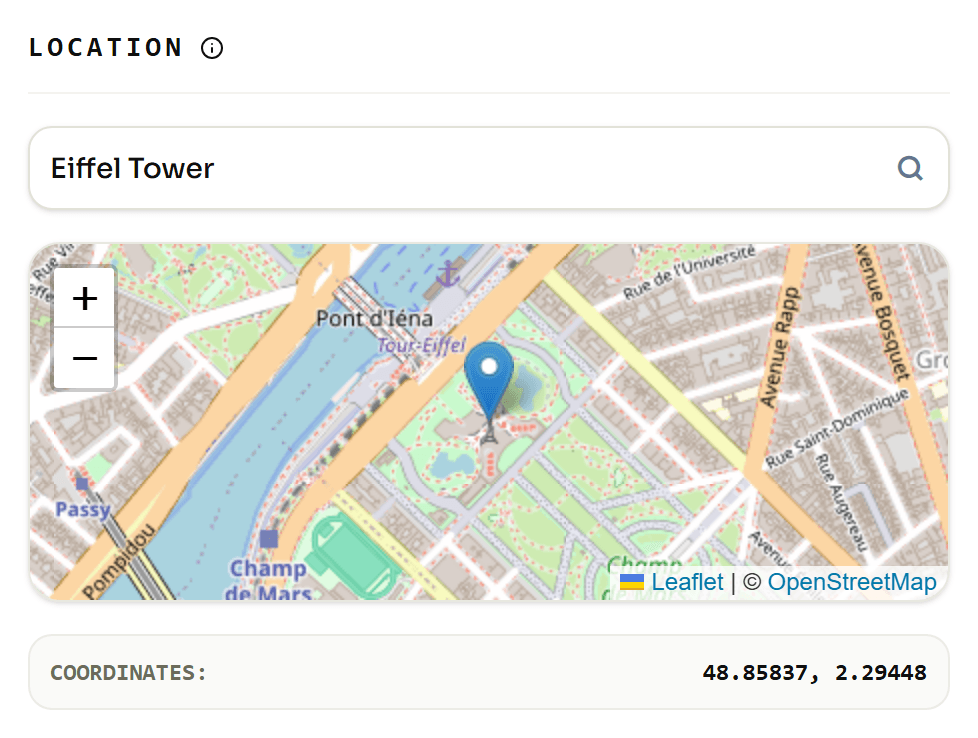
The place names above are for you and your team. The coordinates are for every map, catalogue and viewer that will ever open the file, and they are stored in a form that surprises people.
Take a location any couple in Britain could name: Gretna Green, the border village that has been marrying runaway couples since the eighteenth century, published at 55.002, -3.066.
- 55.002 gives 55 whole degrees.
- The remaining 0.002, multiplied by 60, is 0.12, so 0 minutes. Not a mistake, and not a missing value.
- That 0.12, multiplied by 60, is about 7 seconds.
The latitude is stored as 55 degrees, 0 minutes, 7 seconds. The position published for the same village reads 55°00′07″N, which confirms the arithmetic.
The longitude is where a venue can end up in the wrong country. Minus 3.066 becomes 3 degrees, 3 minutes and roughly 58 seconds, and the file stores no minus sign anywhere. The "west" part is held in a separate one-letter field, GPSLongitudeRef, as the GPS field reference sets out. Drop it and Gretna Green relocates from the Scottish borders to a point in the North Sea off Denmark.
Whose photograph is it, and does the file say so
This is the part of a planner's library that causes real trouble, and it is specific to your trade. Most of the best images you hold were taken by someone else, the photographer on the day, and licensed to you for promotion. Two years later nobody remembers which shoot came from which photographer, and a credit gets missed.
The file can hold that too, in three fields that sit next to the location ones:
By-line: who took the photograph. The name you are contractually required to credit.Credit: how the credit should be worded when the image runs somewhere.CopyrightNotice: the ownership line itself.
Fill these once, on receipt, and every future use of that image carries its own attribution. It is the cheapest insurance available on a library you did not shoot, and it costs one paste per delivery.
What SEO for wedding planners can and cannot do with photos
Here is the honest boundary, because the older guides in this niche blur it.
What these fields do not do is lift your local ranking. The idea that geotagged photos uploaded to a Google Business Profile tell Google where you work was tested: Jake Hundley of Evergrow Marketing ran a 10-week controlled study across 27 businesses, reported in Search Engine Land in March 2025, with five control weeks and five test weeks. One of seven metrics improved. Four of the remaining six got worse.
What genuinely moves the needle for images in search is duller and well documented. Google's own image guidance calls alt text "the most important attribute" for supplying metadata about an image, asks for short descriptive filenames, its example prefers my-new-black-kitten.jpg to IMG00023.JPG, and wants images placed near relevant text. That page never mentions embedded location data at all.
So treat the fields inside the file as your filing system and your provenance record, and treat alt text, filenames and page copy as the part search engines read. The first makes the second easy to write: a file that already knows it is the walled garden at a hall near a named town has written half of its own alt text.
A venue shoot workflow that survives the season
- Agree a short name for each venue and each room before the first shoot, and keep it under 32 characters.
- Shoot as normal with location switched on, so the coordinates arrive by themselves.
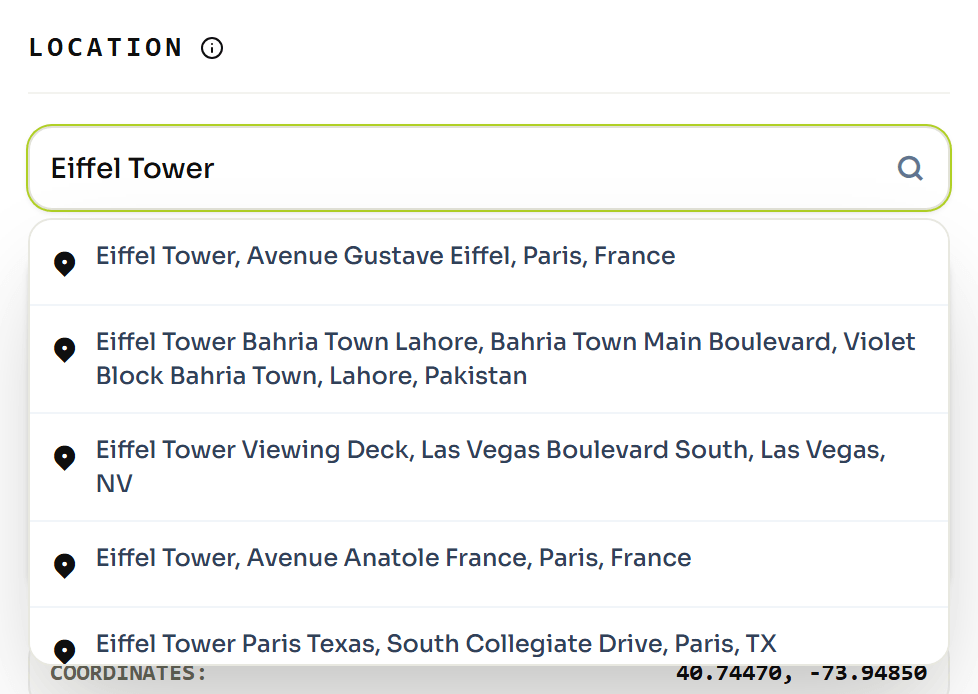
- On import, select the whole shoot and write the venue's location across the batch at once: one venue, one position, every frame.
- Set the room in
Sub-locationand the town inCityfor that same selection. - Paste the photographer's details into the attribution fields the day the gallery arrives, not later.
- Add the keywords a couple would actually use: season, indoor or outdoor, ceremony or reception.
Six steps, done once per wedding, and the library answers questions for years. For the full range of what a picture can hold beyond location, see the wider set of tags you can edit in a picture, and the city pages we build for located photos show what a well-described location library looks like from the outside.
Related reading
Two more on the same problem, from a different trade.