#geotagimg
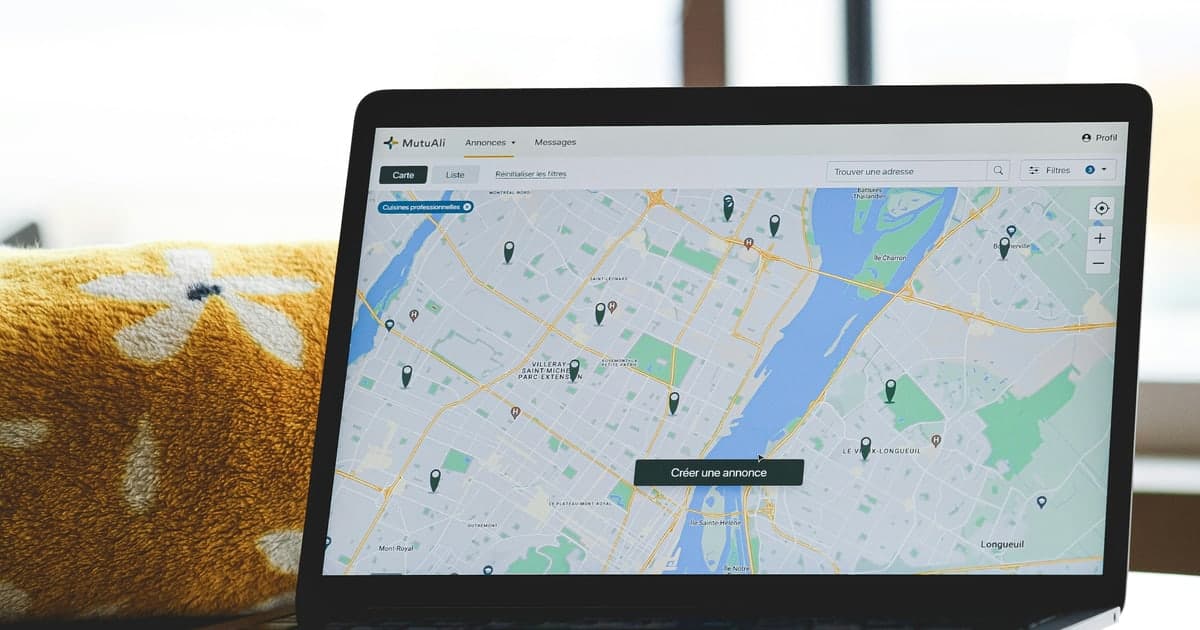
컴퓨터에서 사진 지오태그하는 방법 (설치 없이)
Windows will show a photo's location but will not let you add one, and the Mac Photos app can accept a location that never reaches the exported file. Here is what each actually does, and the browser route that avoids both.
사진 파일에서 GPS 위치 추출하는 방법
The coordinates are already inside the file. Here is how to read them out, why the number arrives without its minus sign, and which tags tell you whether the location is a measurement or a guess.

Google Business Profile 사진 지오태그 방법
Google's photo uploader has no location field, so a geotag has to go into the file before it leaves your computer. Here is how to put it there, and what three published tests say it will and will not do.
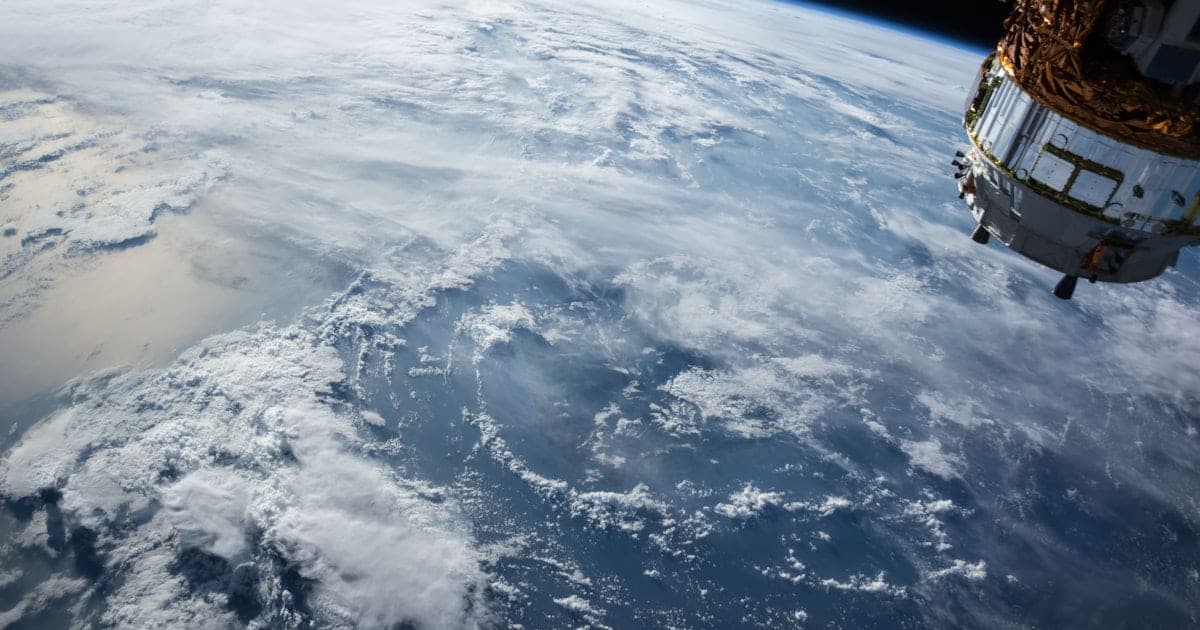
지오태깅 사진을 Google Earth에 추가하는 법
Dragging a geotagged photo onto Google Earth does nothing, because it never reads the file's GPS block. Here is what it does read, and how to give it that.

전기공사 SEO: 현장 사진이 증명하는 것
Every before-and-after you shoot on a board already carries a coordinate and two separate clocks. Here is what holds them, how to check a file against itself, and the one ranking claim worth retiring.

의사를 위한 로컬 SEO: 사진 파일이 드러내는 것
The parts of local SEO a medical practice actually controls, and the part every checklist skips: what your own photo files record about where and when they were taken.