AirPods Not Charging? Here Is How to Fix Them
AirPods that will not charge when placed in their case, show 0% battery after sitting in the case overnight, or charge unevenly (one charges and the other does not) are almost always dealing with dirty charging contacts. The tiny metal contacts on the bottom of each AirPod stem and inside the case accumulate earwax, skin oil, and pocket lint over time, creating a layer that prevents the electrical connection needed to charge.
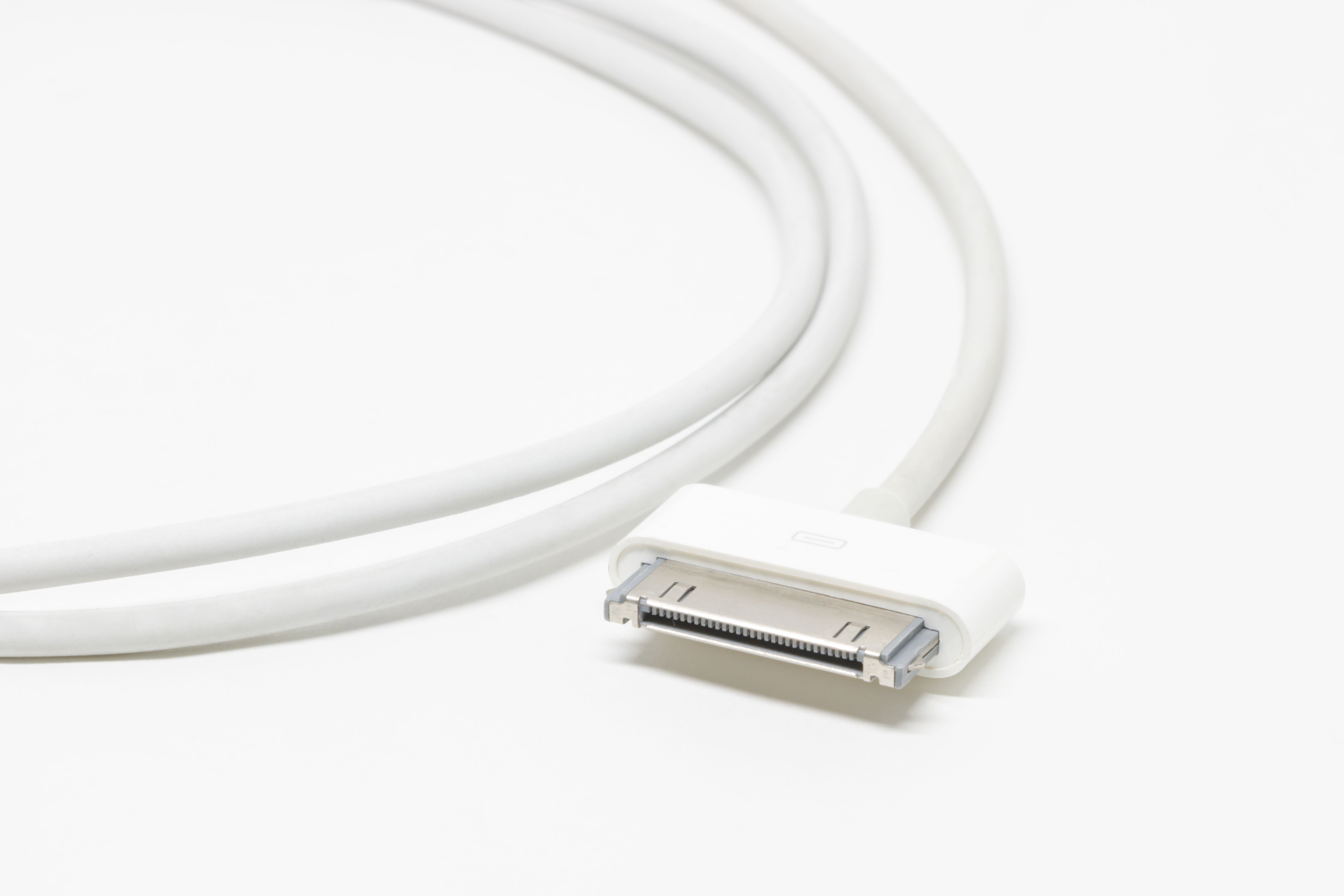
Photo by Kajetan Sumila on Pexels
Why AirPods Stop Charging
The charging contacts are dirty. Each AirPod charges through a small metal contact at the bottom of its stem. The matching pins inside the case make physical contact with these surfaces. Any debris, earwax, or oxidation on either the AirPod contacts or the case pins breaks the charging circuit. This is the single most common reason AirPods stop charging and accounts for the majority of "AirPods dead after overnight charging" complaints.
The AirPods are not seated properly in the case. If an AirPod is slightly rotated, lifted, or pushed to one side inside the case, the charging contacts may not align with the pins. This can happen when debris accumulates inside the case slots or when the AirPod stems are wet or oily, causing them to slide out of position after the lid is closed.
The charging case itself has no power. The case has its own battery that charges the AirPods. If the case is dead, it cannot charge the AirPods regardless of how clean the contacts are. The case charges via Lightning (AirPods 1st and 2nd gen, AirPods 3rd gen, AirPods Pro 1st gen) or USB-C (AirPods Pro 2nd gen, AirPods 4). Some cases also support wireless charging through a Qi pad or MagSafe.
A firmware glitch is preventing the charging circuit from engaging. In rare cases, the AirPods or case firmware enters a state where it does not recognize that AirPods are inserted. A full reset resolves this by clearing the firmware state and re-initializing the charging controller.
The battery has degraded past its useful life. After approximately 500 charge cycles (roughly 2 to 3 years of daily use), AirPod batteries hold significantly less charge. An AirPod that "charges to 100%" but dies within 30 minutes of playback has a degraded battery, not a charging contact problem.
Clean the AirPods Charging Contacts
This is the fix that resolves the problem in most cases. Both the AirPod contacts and the case pins need to be cleaned.
- Remove both AirPods from the case.
- Look at the bottom of each AirPod stem. You will see a small, flat metal contact. Wipe each one with a dry, lint-free cloth. If there is visible earwax or grime, use the corner of the cloth pressed firmly against the contact to scrub it clean.
- Look inside each AirPod slot in the case. At the bottom of each slot, there is a small metal charging pin (it looks like a tiny raised dot). Use a dry cotton swab to clean these pins. Rotate the swab gently while pressing it against the pin to remove any buildup.
- For stubborn residue on the case pins, lightly dampen the tip of a cotton swab with isopropyl alcohol (70% concentration). Wipe the pin, then let it air dry for at least one minute before putting the AirPods back in.
- Check the case slots for any loose debris like pocket lint, crumbs, or hair. Turn the case upside down and tap gently to dislodge anything stuck inside.
After cleaning, place both AirPods back in the case and close the lid. Wait 10 seconds, then open the lid near your iPhone. The battery popup should show the AirPods charging (indicated by a lightning bolt icon next to each battery level).
Photo by JESHOOTS.com on Pexels
Make Sure the Case Is Charged
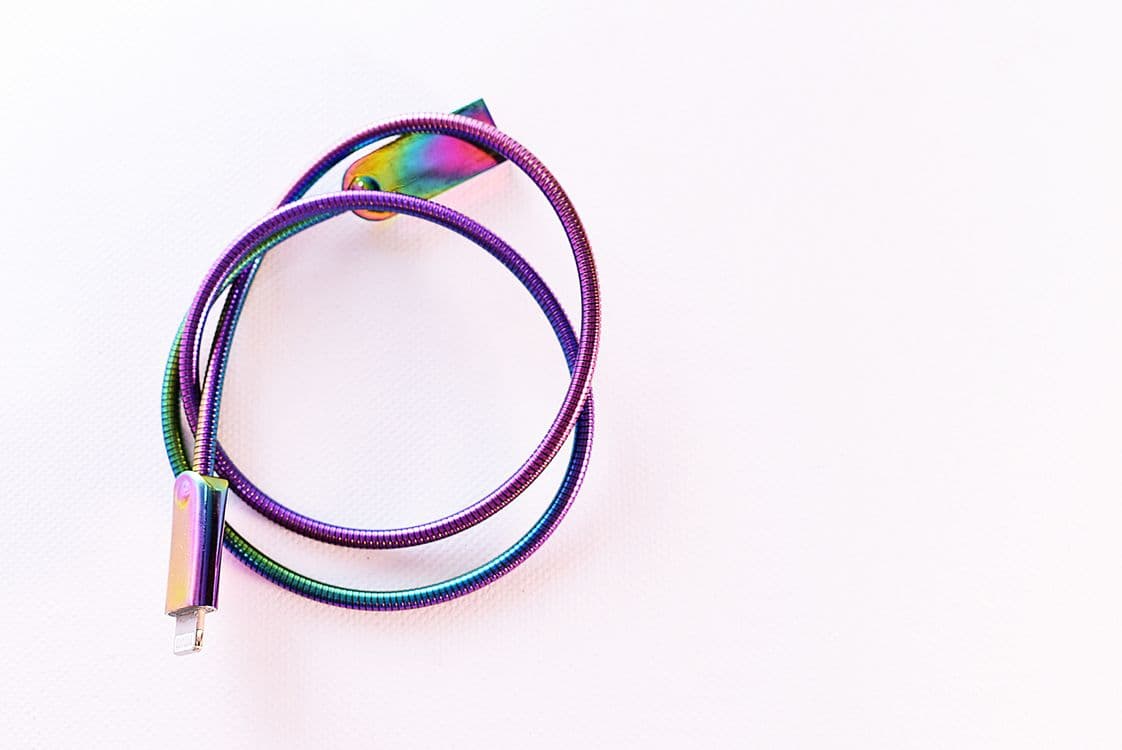
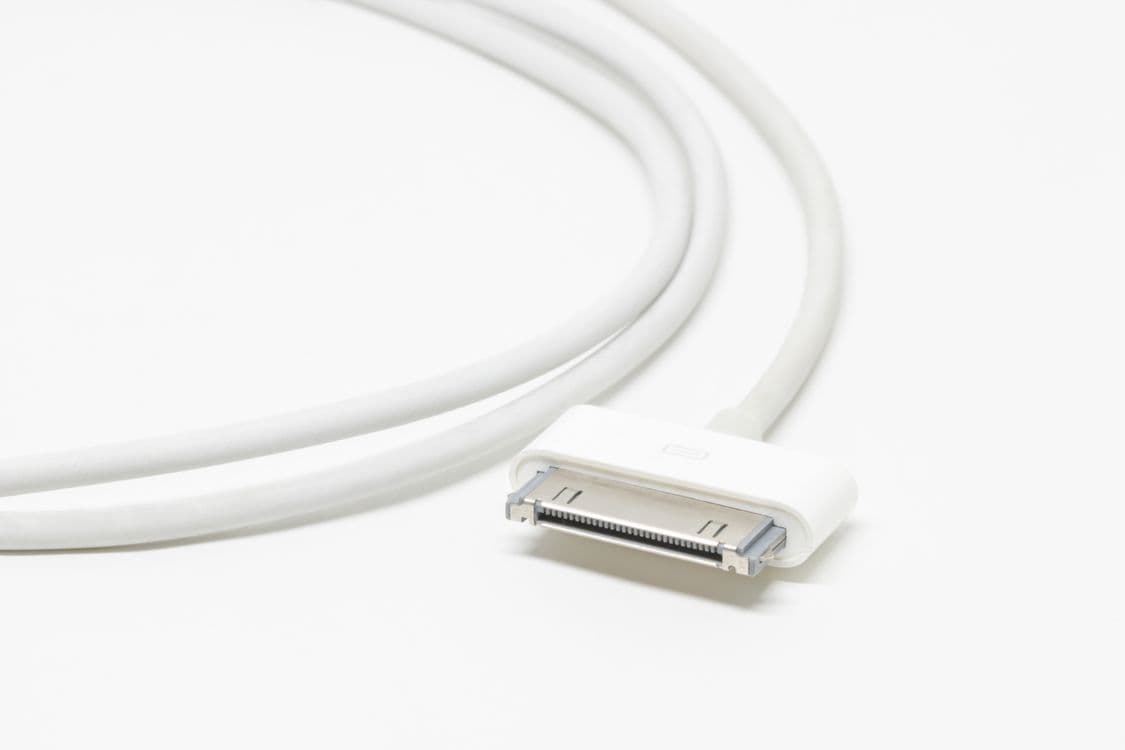
Connect the charging case to a power source using the appropriate cable (Lightning or USB-C). Use the cable and adapter that came with the case or a certified third-party alternative. Leave it connected for at least 15 minutes.
Check the case status light:
- Amber light while connected: The case is charging.
- Green light while connected: The case is fully charged.
- No light at all: The case is not receiving power. Try a different cable, adapter, or outlet.
If the case supports wireless charging, try charging it on a Qi pad as well. If it charges wirelessly but not with the cable, the Lightning or USB-C port on the case may be damaged or obstructed by debris. Use a wooden toothpick to carefully clean any lint from the charging port.
Once the case has charge, place the AirPods inside, close the lid, and wait five minutes. Then check the battery levels on your iPhone.
Verify the AirPods Are Seated Correctly
Each AirPod must click into its slot in the case and sit firmly at the bottom, with the charging contact making direct contact with the case pin. If an AirPod feels loose or does not click into place, check for debris in the slot that is preventing it from seating fully.
With the AirPods in the case and the lid open, check the status light inside the case (between the two AirPod slots on newer models, or on the front of the case on older models). If the light is amber, the AirPods are charging. If there is no light, the AirPods are not being detected. Remove them, clean the contacts again, and reseat them.
Also try switching the AirPods between the left and right slots. If one AirPod charges in the opposite slot but not in its own, the case pin in the original slot may be stuck or damaged.
Photo by Karolina Kaboompics on Pexels
Reset Your AirPods
A reset clears the AirPods' internal state and can resolve firmware glitches that prevent charging detection.
- Place both AirPods in the case. Close the lid and wait 30 seconds.
- Open the lid.
- On your iPhone, go to Settings > Bluetooth. Tap the (i) next to your AirPods and select Forget This Device.
- With the lid open, press and hold the setup button on the back of the case for 15 seconds until the status light flashes amber, then white.
- Hold the open case near your iPhone to trigger the pairing animation. Follow the prompts to reconnect.
After re-pairing, close the lid and leave the AirPods in the case for at least 10 minutes. Then check whether both AirPods have gained charge.
Check Battery Health and Consider Replacement
AirPod batteries are not replaceable by the user. After 2 to 3 years of daily use, the batteries degrade noticeably. Signs of battery degradation include charging to 100% but lasting less than an hour, one AirPod dying much faster than the other despite both starting at full charge, and the case holding significantly less charge than when it was new.
Apple offers a battery service for AirPods, but the cost is often close to the price of a new pair. Check Apple's current service pricing for your specific AirPods model before deciding. If only one AirPod's battery is degraded, you can purchase a single replacement AirPod from Apple rather than replacing the entire set.
Photo by cottonbro studio on Pexels
Frequently Asked Questions About AirPods Not Charging
Why does only one AirPod charge?
The charging contact on that specific AirPod or the corresponding pin inside the case is dirty or damaged. Clean both the AirPod stem contact and the case pin with a dry cloth and cotton swab. If cleaning does not fix it, try placing that AirPod in the opposite case slot to test whether the case pin is the problem.
How can I tell if my AirPods case is charging?
When connected to power, the status light on the case shows amber while charging and green when fully charged. If there is no light, the case is not receiving power. Check the cable, adapter, and power outlet. For wireless charging cases, make sure the case is centered on the Qi pad and the pad's indicator light confirms charging.
Can I charge AirPods with a different case?
Yes, but the replacement case must match your AirPods generation. AirPods 1st and 2nd gen share the same case. AirPods 3rd gen, AirPods Pro 1st gen, AirPods Pro 2nd gen, and AirPods 4 each have their own specific case. You cannot charge AirPods Pro in a standard AirPods case or vice versa. Apple sells replacement cases separately.
How long do AirPods batteries last before needing replacement?
AirPods batteries typically last 2 to 3 years of daily use before noticeable degradation. At that point, each AirPod may last only 1 to 2 hours on a full charge instead of the original 4 to 6 hours. The case battery degrades similarly. Apple does not publish an official lifespan, but 500 full charge cycles is a reasonable expectation based on the lithium-ion battery technology used.
Is it safe to use isopropyl alcohol to clean the AirPods charging contacts?
A small amount of 70% isopropyl alcohol on a cotton swab is safe for cleaning the metal charging contacts on the AirPod stem and the metal pins inside the case. Do not use alcohol on the speaker mesh, the microphone openings, or any other part of the AirPod body. Let the contacts dry completely (at least one minute) before placing the AirPods back in the case. Never submerge AirPods or the case in any liquid.